How to rid yourself of 'shorts'
2025-07-20
This is not a guide on how to change your wardrobe, if you somehow ended up here looking for a fashion change, sorry to the disappoint but this a guide on how to get rid of short form content. I might not be able to give you fashion advice, but if you're also bothered by inclusion of short form video in every app, even the ones it has no place to be (looking at you substack) then you're in for a ride.
This is not some kind of article on how to fight social media addiction or how to lower your screen time using some kind of locking mechanism. It's about being able to choose which "features" in an app are useful to you and get rid of the ones you don't want. A well designed app not affected by greedy shareholder values would have support for this kind of customization built in (i mean how hard is it to add a toggle in instagram to disable shorts ?). However as of 2025 the goal of every social app is too keep you hooked as much as possible and short form content is the easiest way to do that. Let's get to business.
We're going to be installing modded versions of all apps with short form content where you would be able to disable that feature. If you're on Android then your life is easy, side-loading apps on android is as easy as getting the APK file and just installing it. The reason for this guide existing is doing the same in IOS world where Apple has made side-loading apps as hard as possible while not fully banning it. I don't know the legality of installing modded apps and I can't be bothered checking so as far as I'm concerned this is just educational content 😉
Terminology
APK & IPA: These are application installation files for android and ios respectively. They're similar to an EXE if you're from windows world or DMG if you're from mac world. (I didn't forget about the linux fans, there's just so many different formats there, you prob know what you're doing if you're on linux)
Android:
Mostly want to share the link to modded versions that have the short blocking features, the actual installation is straight forward. I will go through the process of installing revanced (modded youtube) since It's a bit more involved but installing the rest should be as easy as installing the APK file and using the app.
I don't have an android phone so I'm using an emulator to provide the screenshots for this guide. Using a real phone shouldn't be any differnt
Getting rid of Youtube shorts with Revanced Mod
Some fun backstory on this mod, it started as something called Vanced and all was well for a few years until google DMCA'd them and got the website and Github taken down. There's even a wikipedia page on the whole thing. Revanced was the project that resurrected the same tool since once something is on the internet, It can't really be destroyed. The resurrected version has been going on strong since (fingers cross 🤞). Anyways let's get on with the installation. You can follow this guide or watch the video from this reddit thread.
How to install Revanced APK
The official website for the project is https://revanced.app/ and we need to install something called revanced manager which let's us update the app easily in the future. There's a direct download button on https://revanced.app/download. 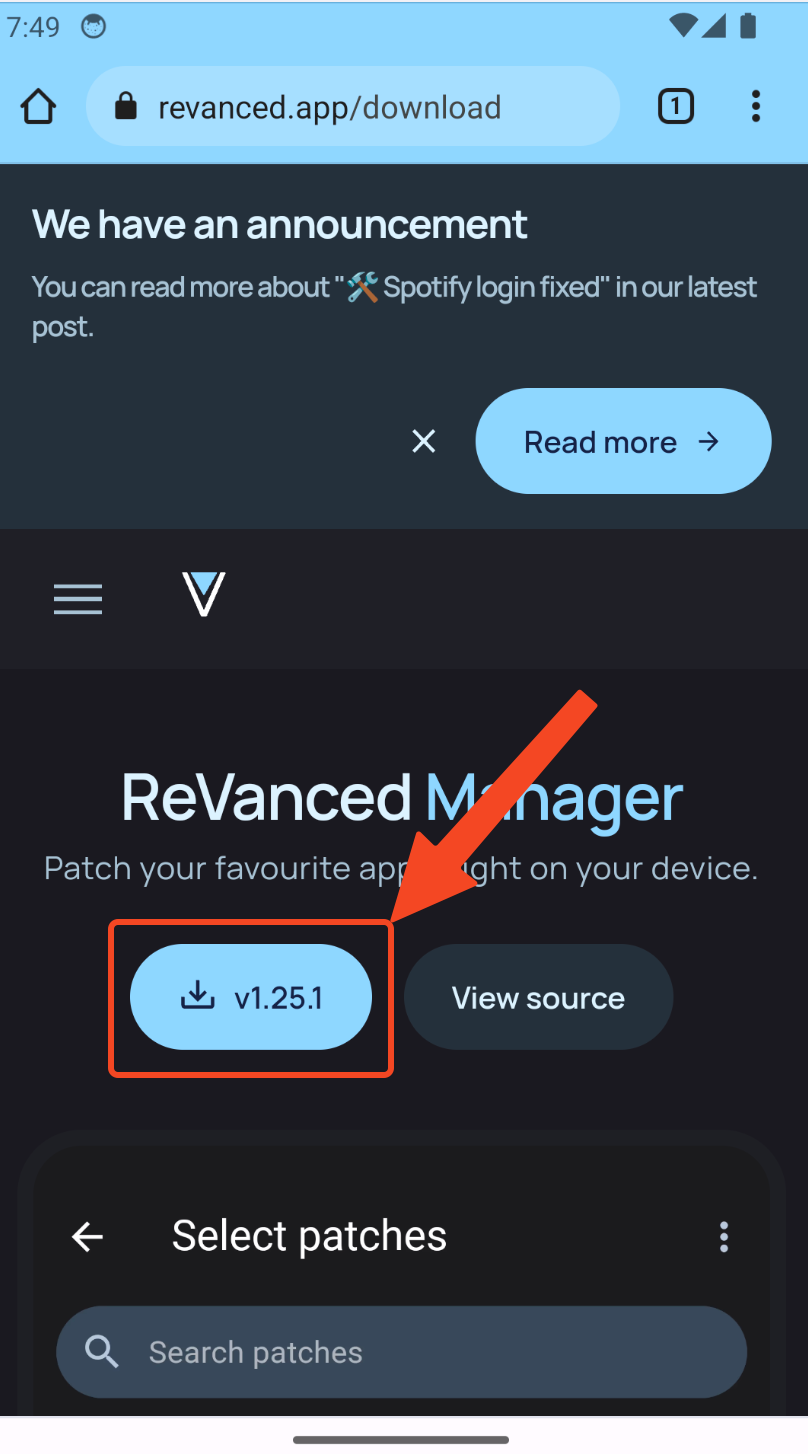 You might get a warning from Chrome saying this file is dangerous, Ignore it they will show that for any APK file downloaded, press
 Download Anyway. 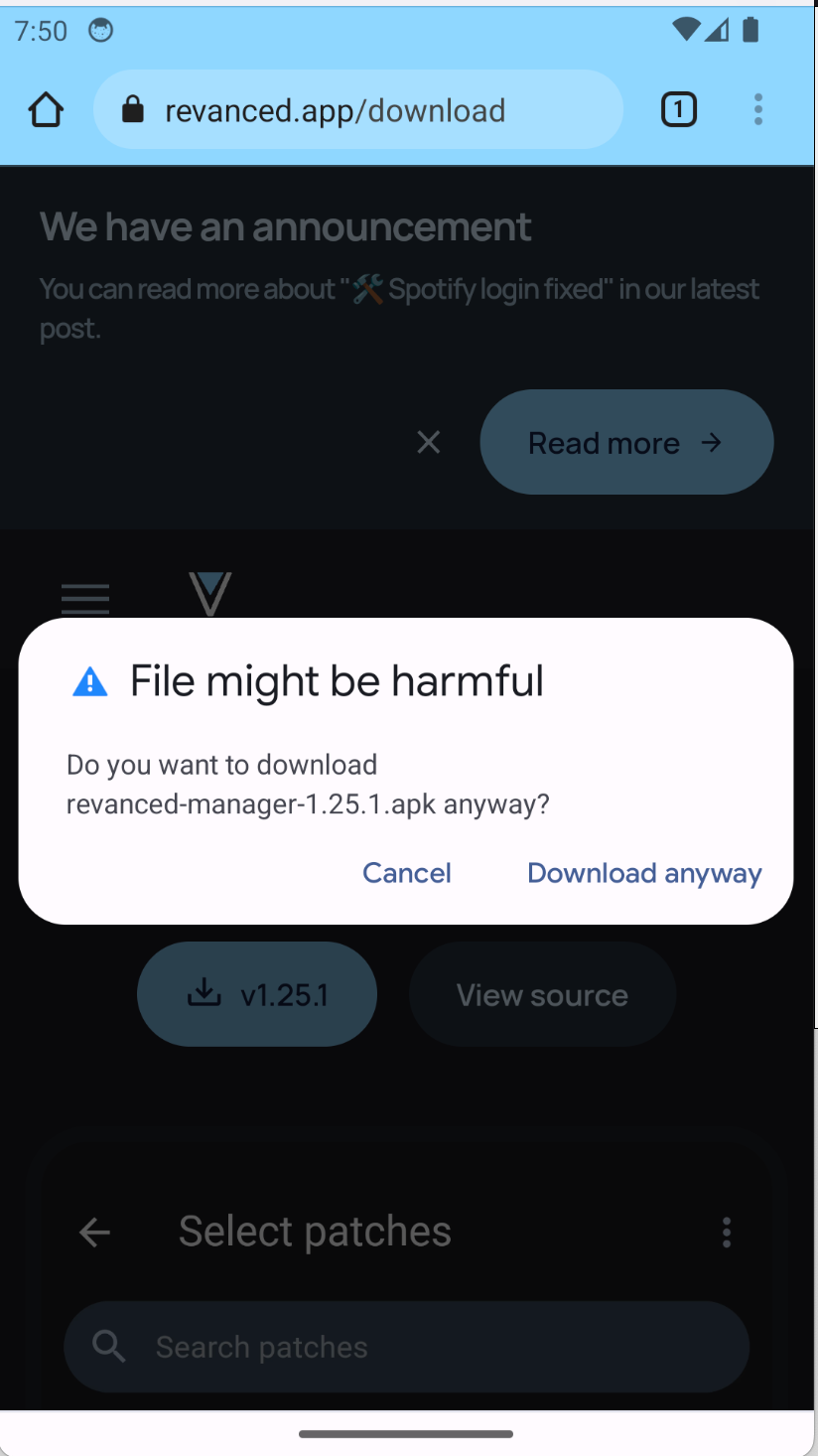 You get a pop up to open the downloaded file, press
 Open 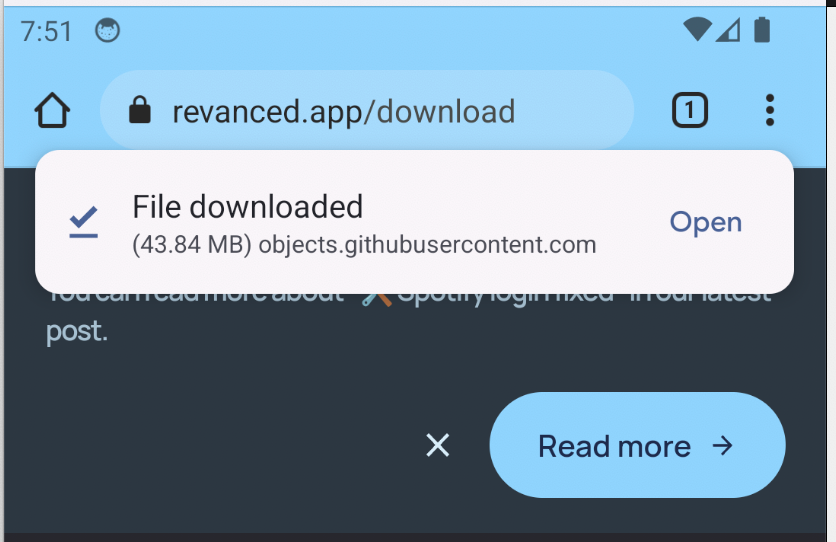 If you miss the pop up it's ok, you can access the file from Chrome's downloads section (It's under the 3 dot section)
 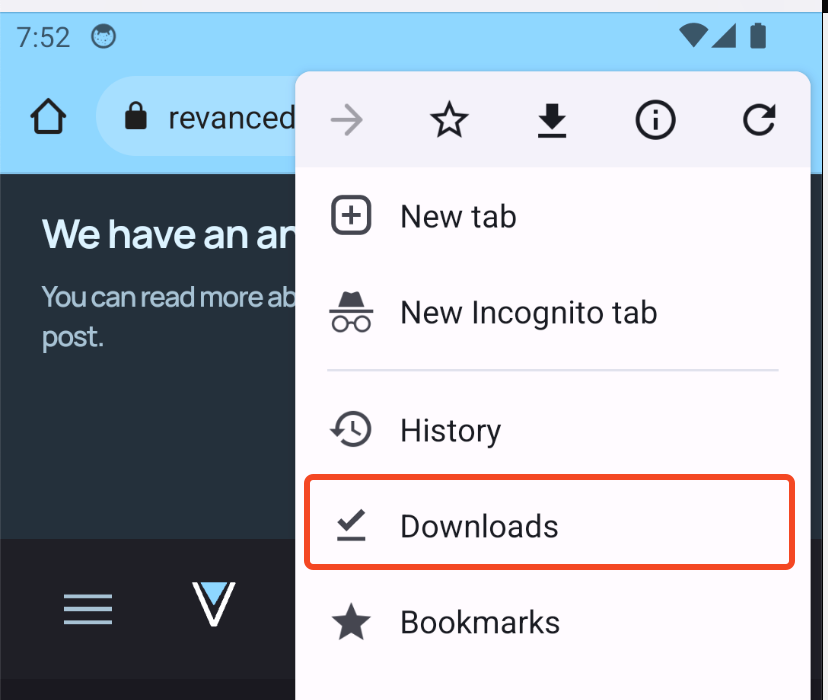 If this is your first time installing an APK file from chrome (or whatever browser you're using) you get this pop up
 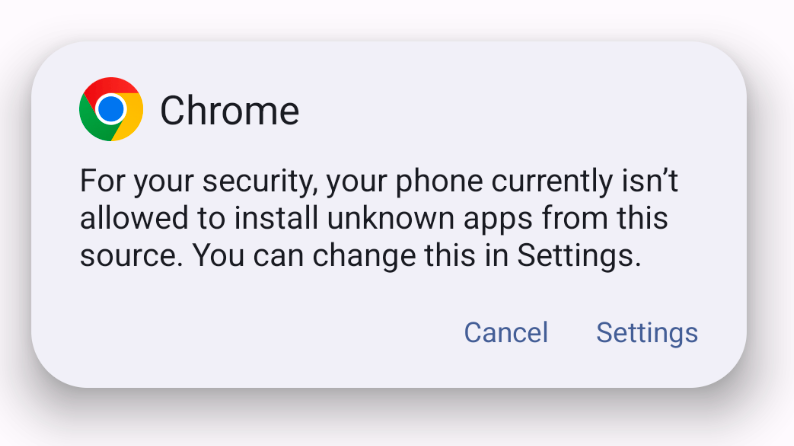 Press settings and allow installing from Chrome
 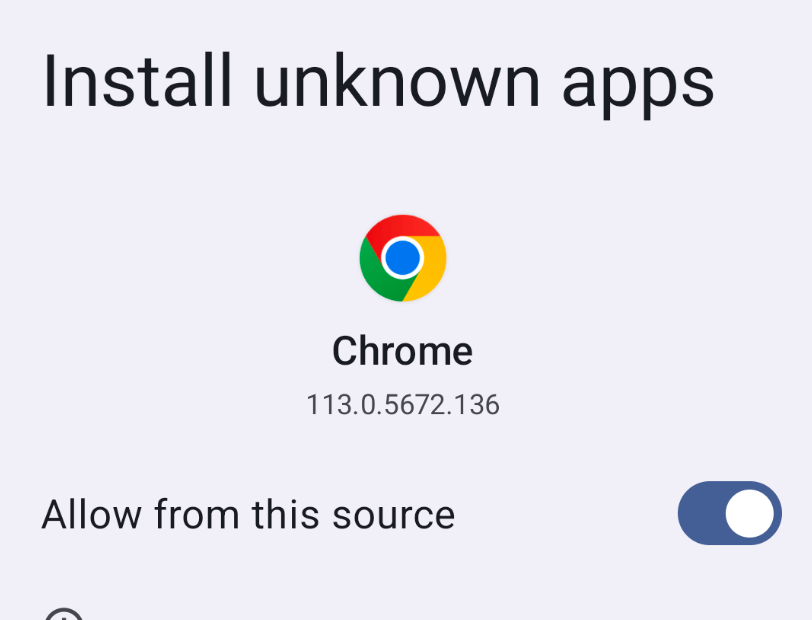 You should now get this pop up, if not go back to chrome and press on the downloaded APK again.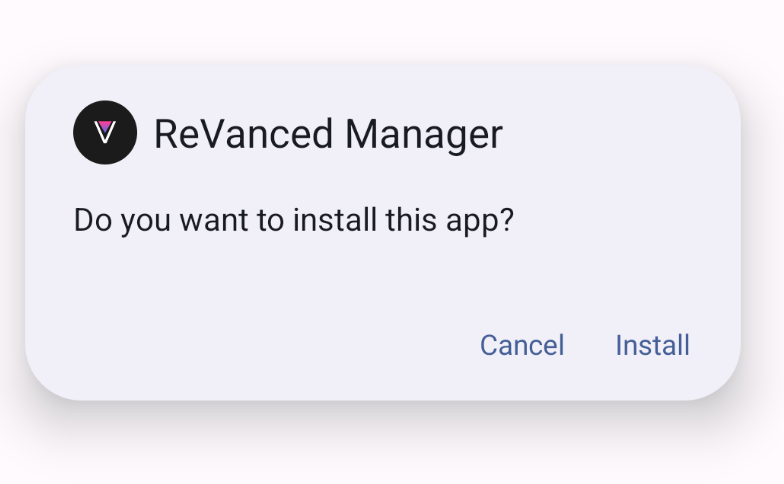
Install and open the app. Sometimes it might say installation failed, you can just retry the installation. Once you open Revanced for first time you will get a familiar Install unkonw apps pop up, you need to allow installing from Revanced as well because it basically will download the APK files for youtube for you. 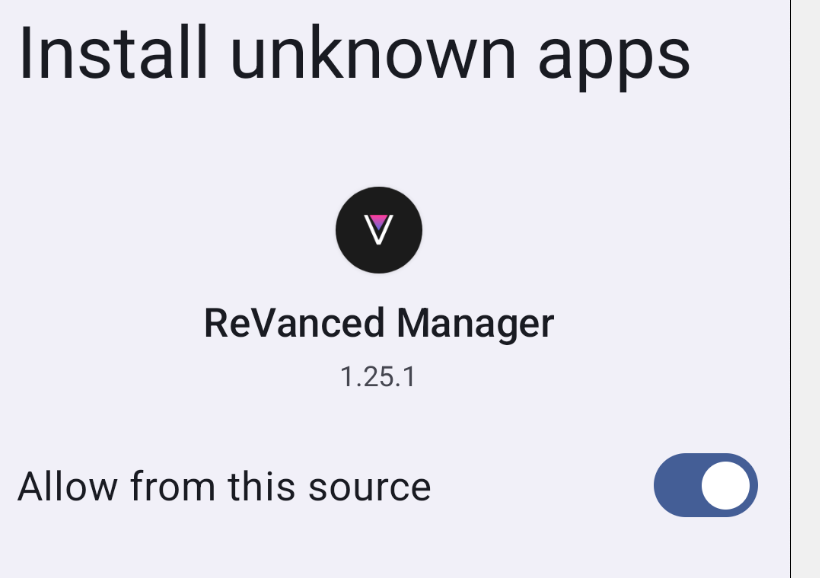
Patch Youtube with Revanced Manager
You will get this pop ups as well. I'm not android user but I'm pretty sure you need to allow the app to run in the background. Press allow and ok for the two pop ups. 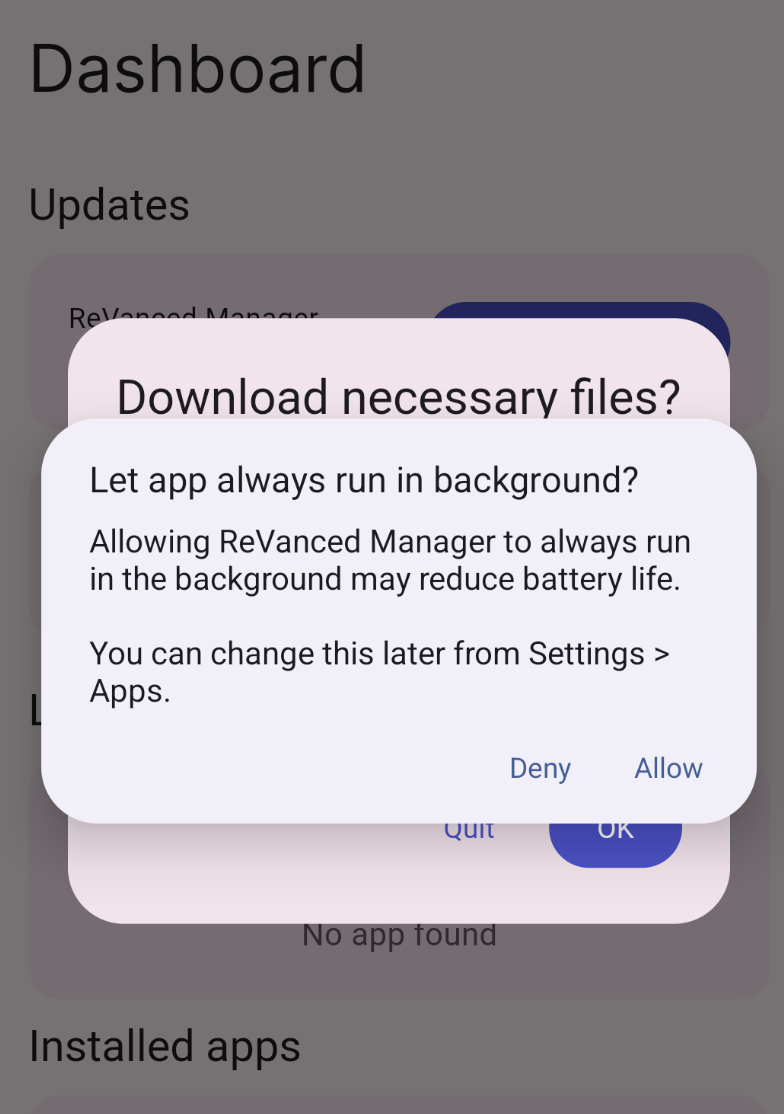 Once on Dashbaord, navigate to the Patcher in the navbar(I don't know what the bottom thing on Android is called)
 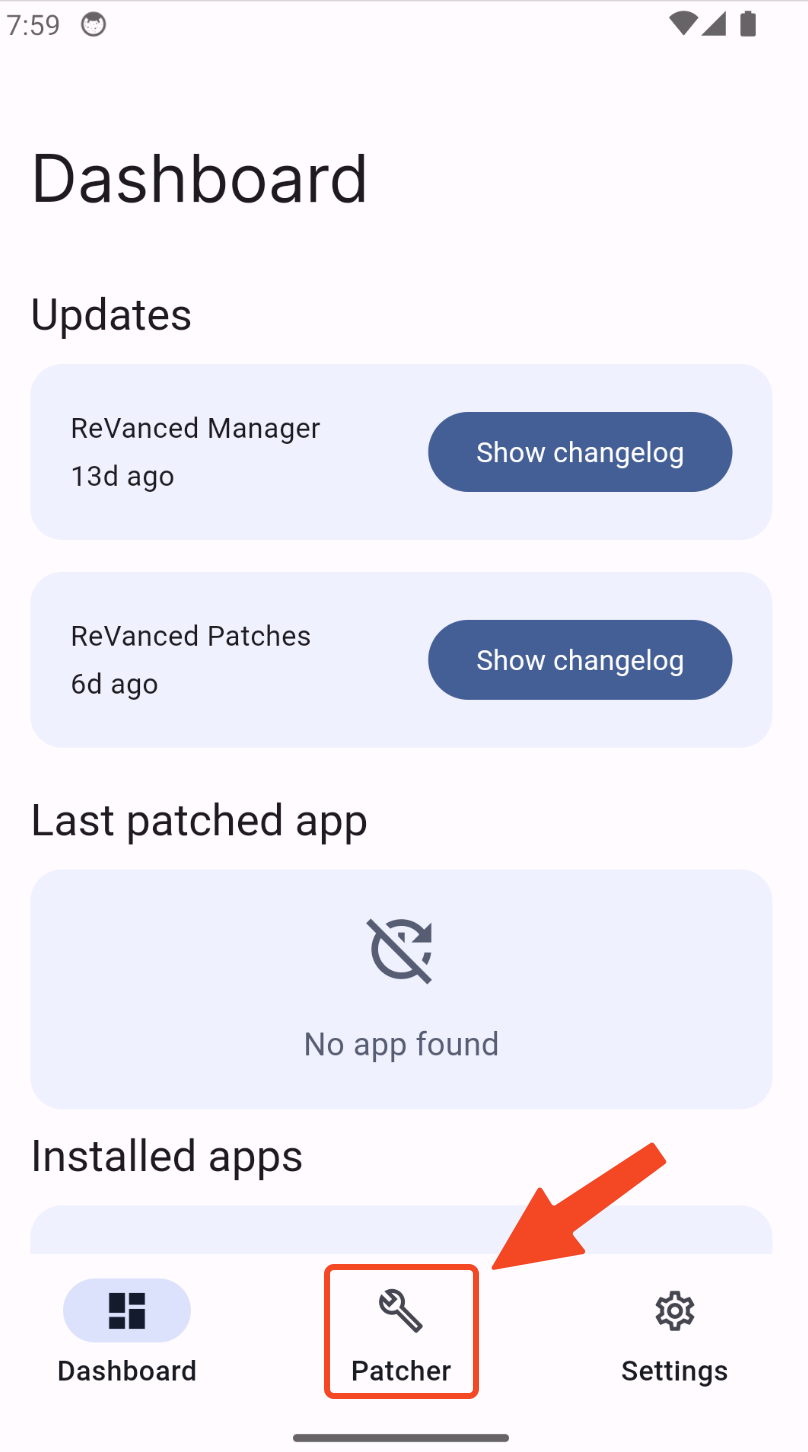 We're going to select Youtube and install it's patched/modded version. This is a general patching software and as you can see it can patch other apps like youtube music as well. For our purposes we only need to install patched Youtube.
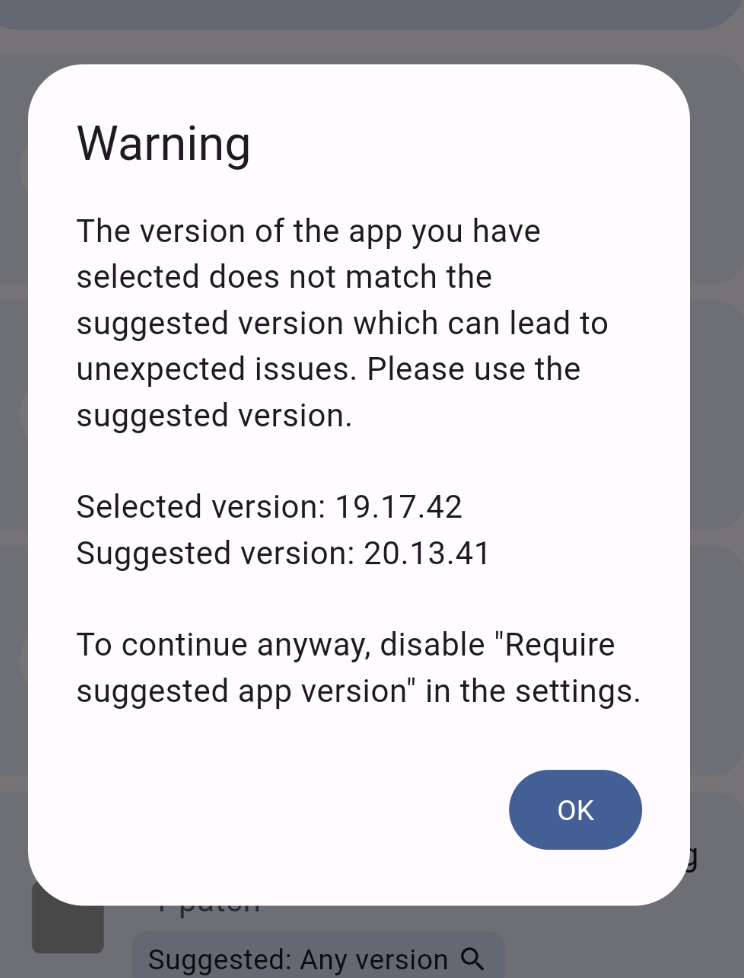
 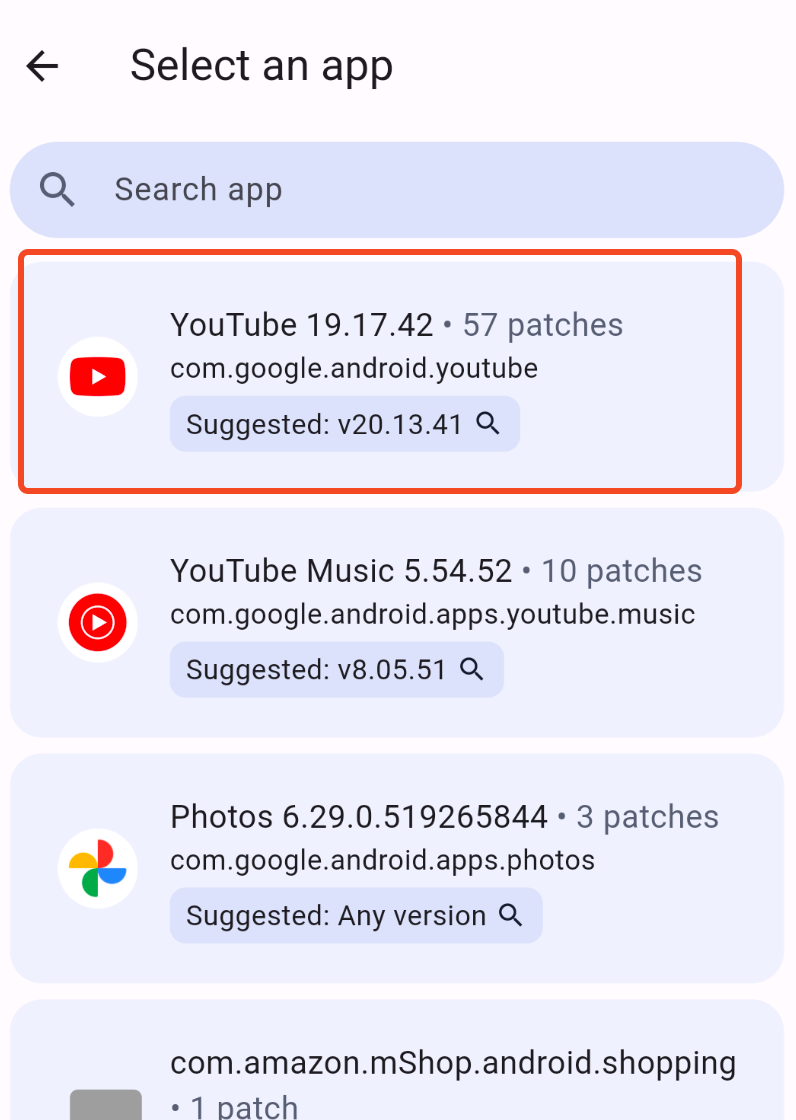 If the version of Youtube installed on your device is not a preferred version (as is the case for the version I have installed on my Android VM) you will get this warning. If this is the case for you as well, you should download the recommended version of the youtube APK from a APK repository website like this one https://apkpure.com/youtube/com.google.android.youtube/versions
  With the APK in your local storage you want to press
 select app in the patcher page and then select storage to choose the downloaded youtube APK. 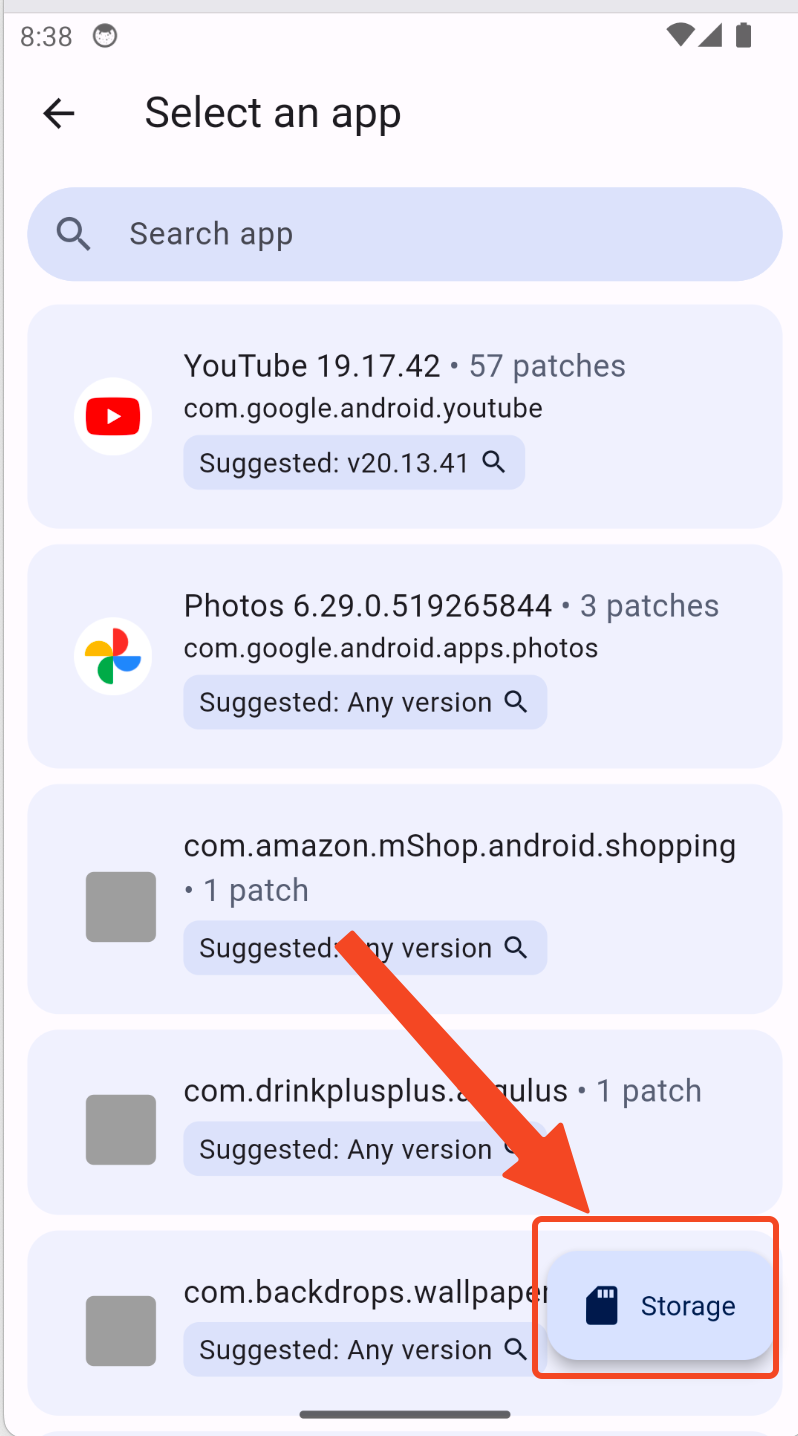 After selecting the appropriate APK file, you should press
 patch button. 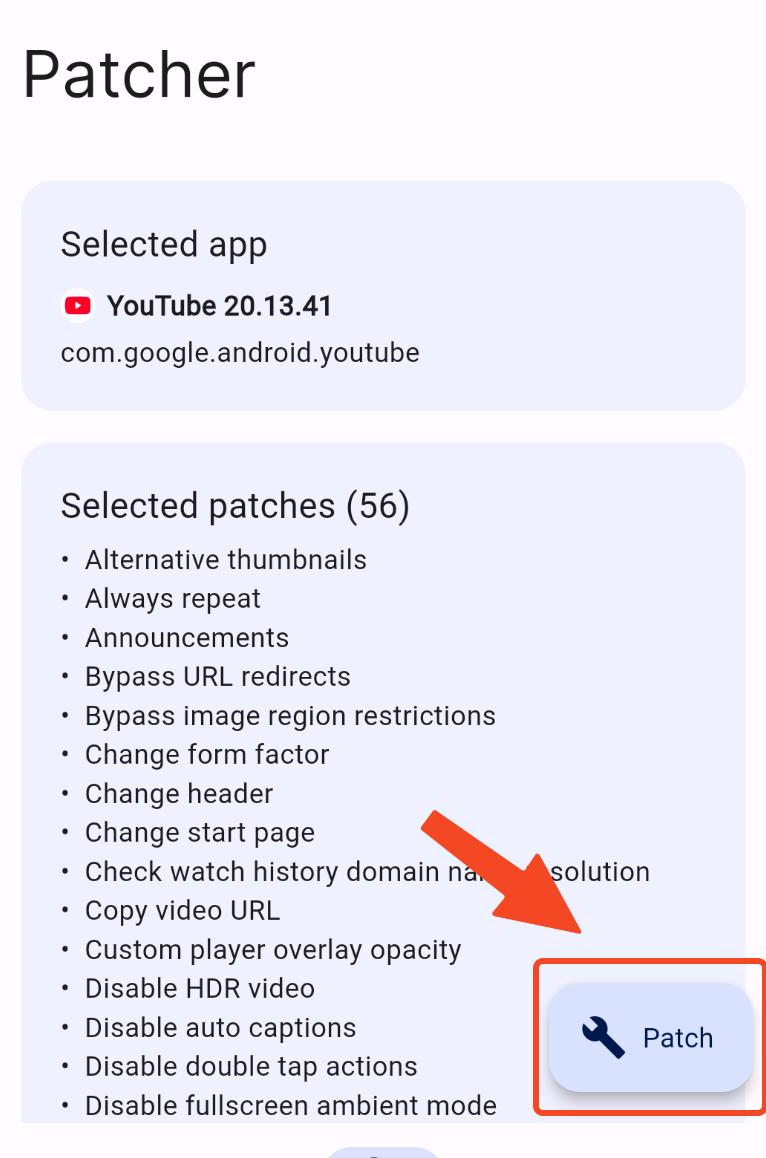 It will take 1-2 minutes to patch the APK but you should see this final page with a
 Install button 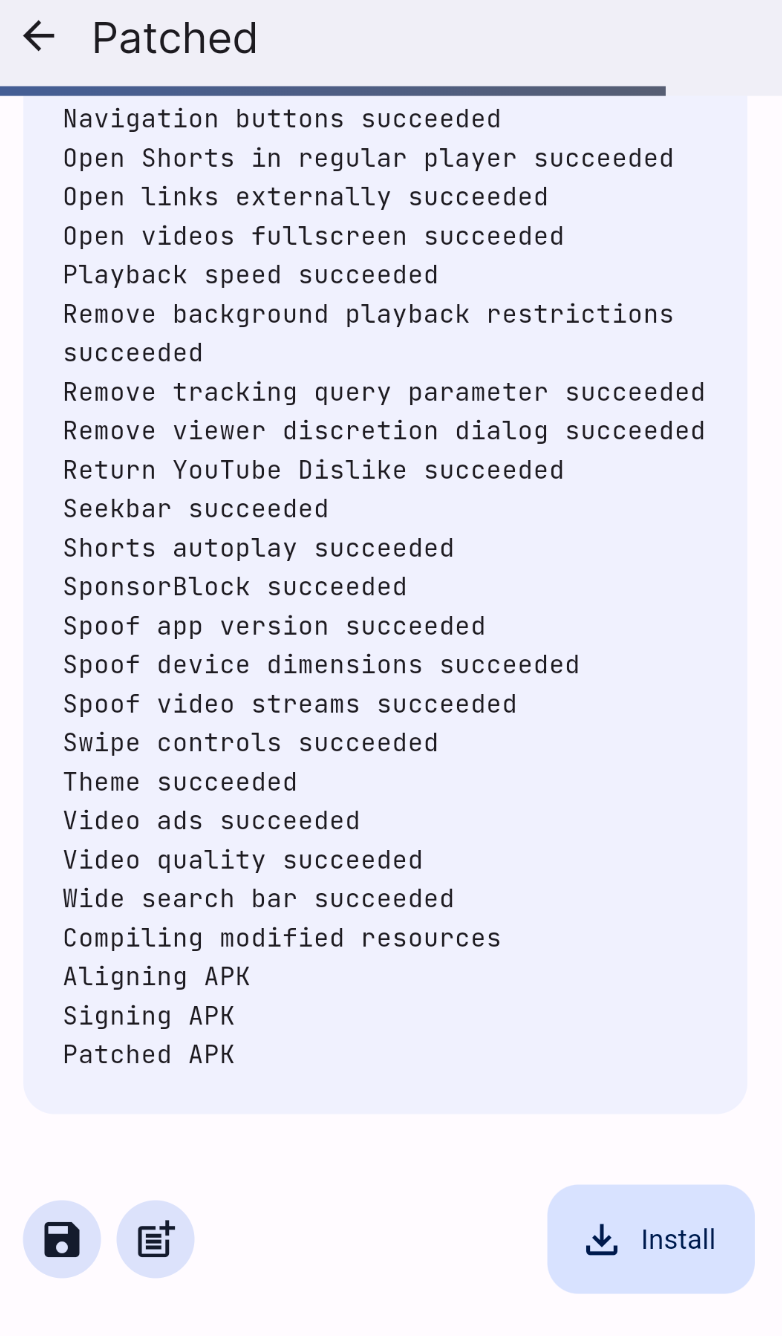 Once the app is installed, if you open it you will be redirect to a Github page to install MicroG, it's basically google services for modded apps. You need it to be able to login to your Google account. Click
 Default download button and install the APK downloaded. 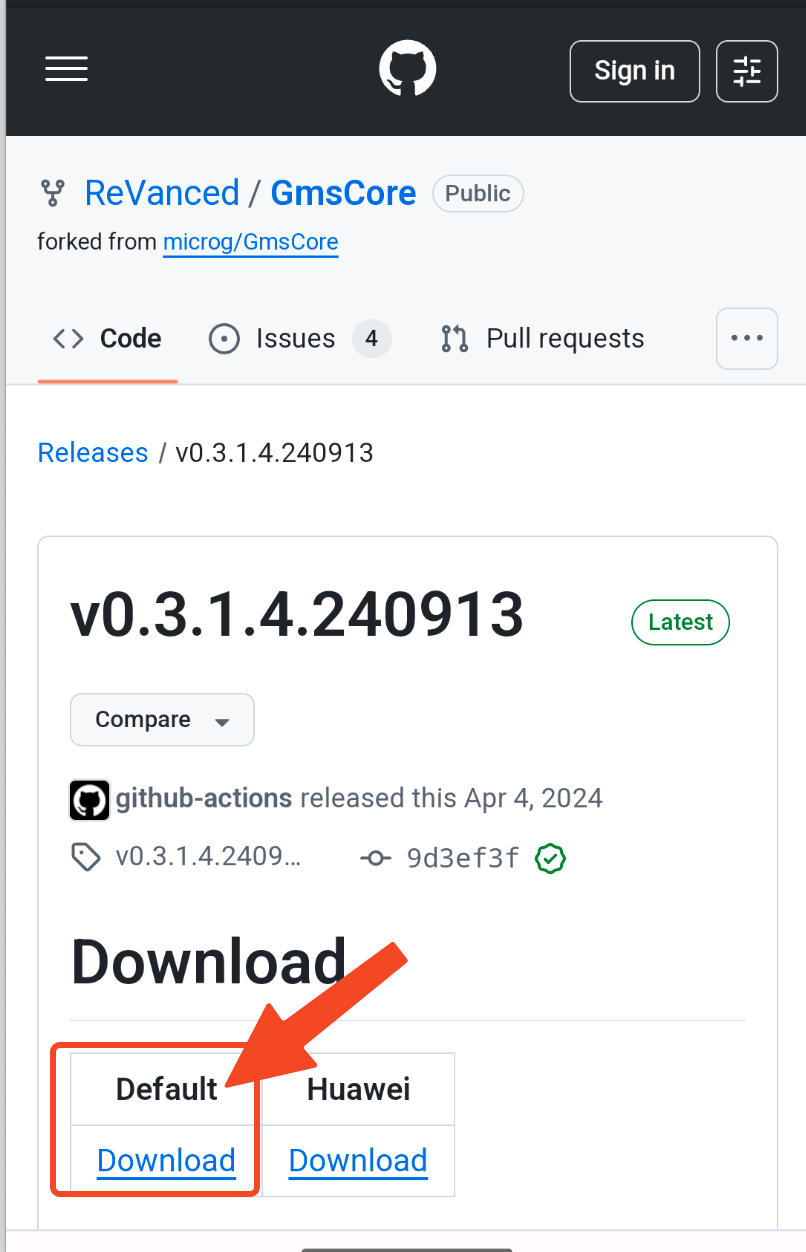 After installing MicroG you can open Youtube app
 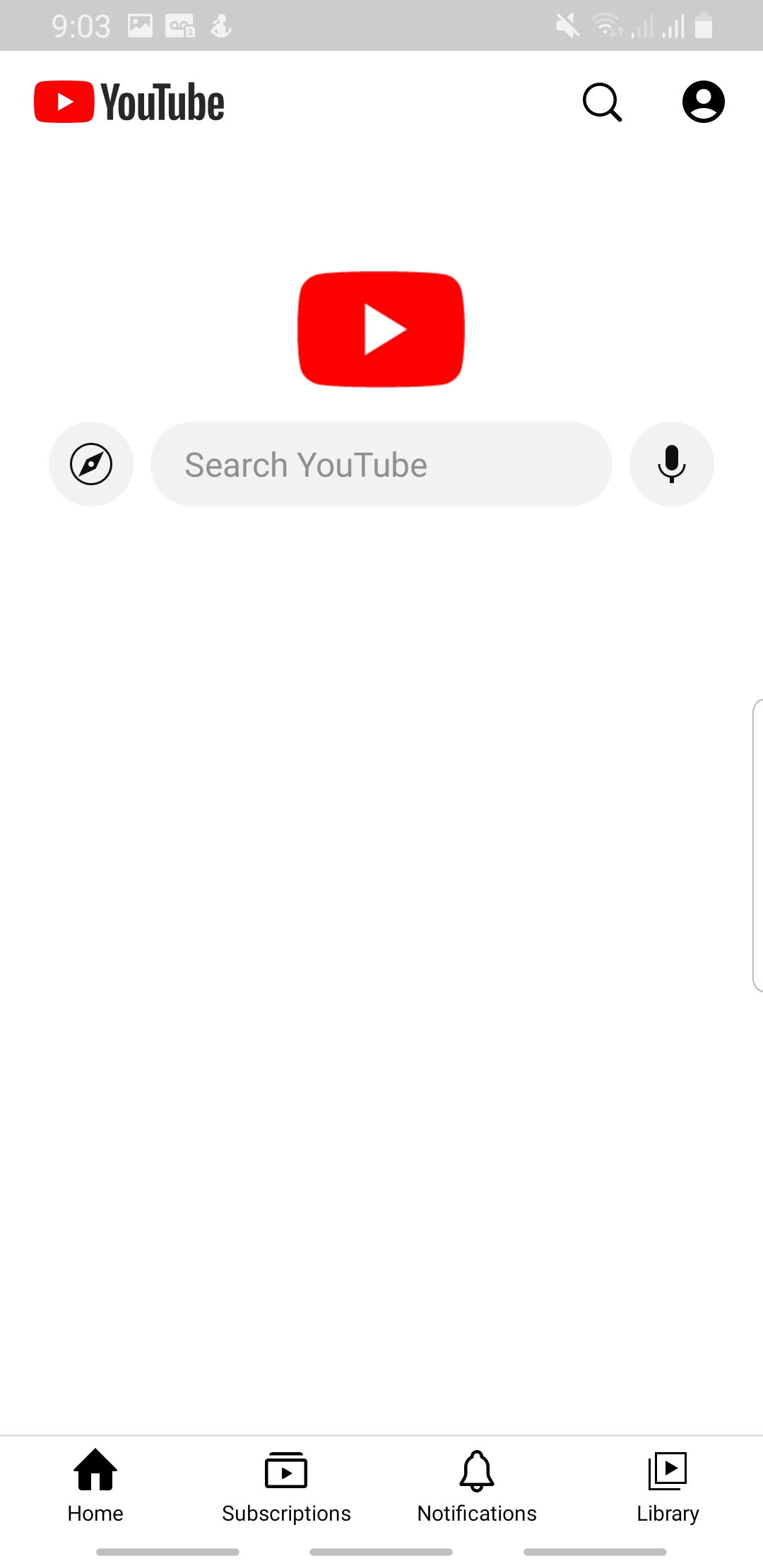 As you can see the shorts are already removed from the bottom navbar, now the only thing left is to disable them from the feed as well. Head to settings and choose
 Revanced. 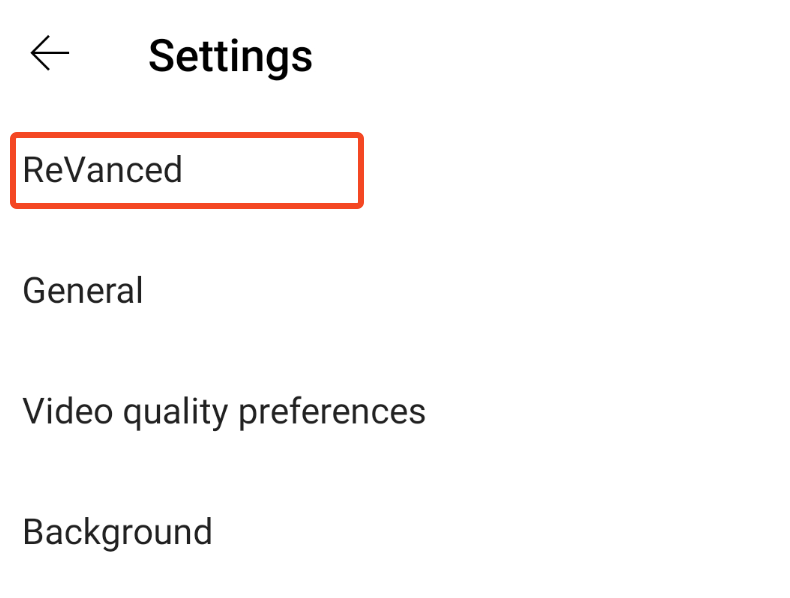 And from there select
 Shorts 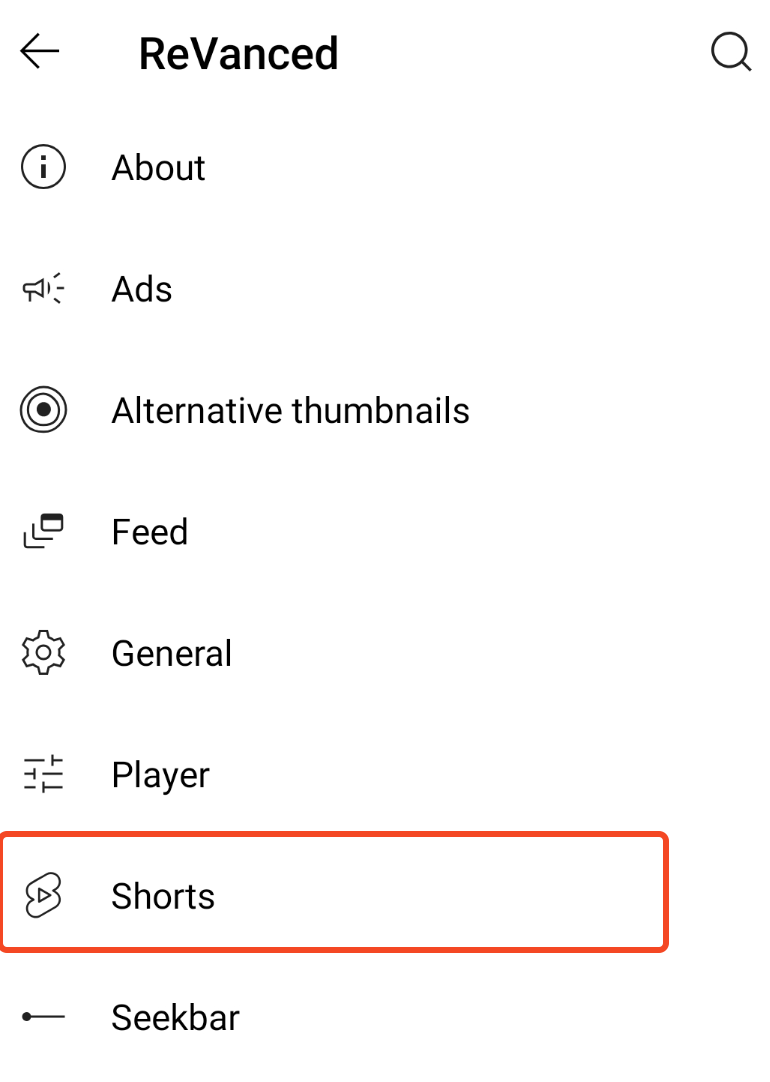 from within shorts settings turn on all of this features which disable shorts from everywhere
 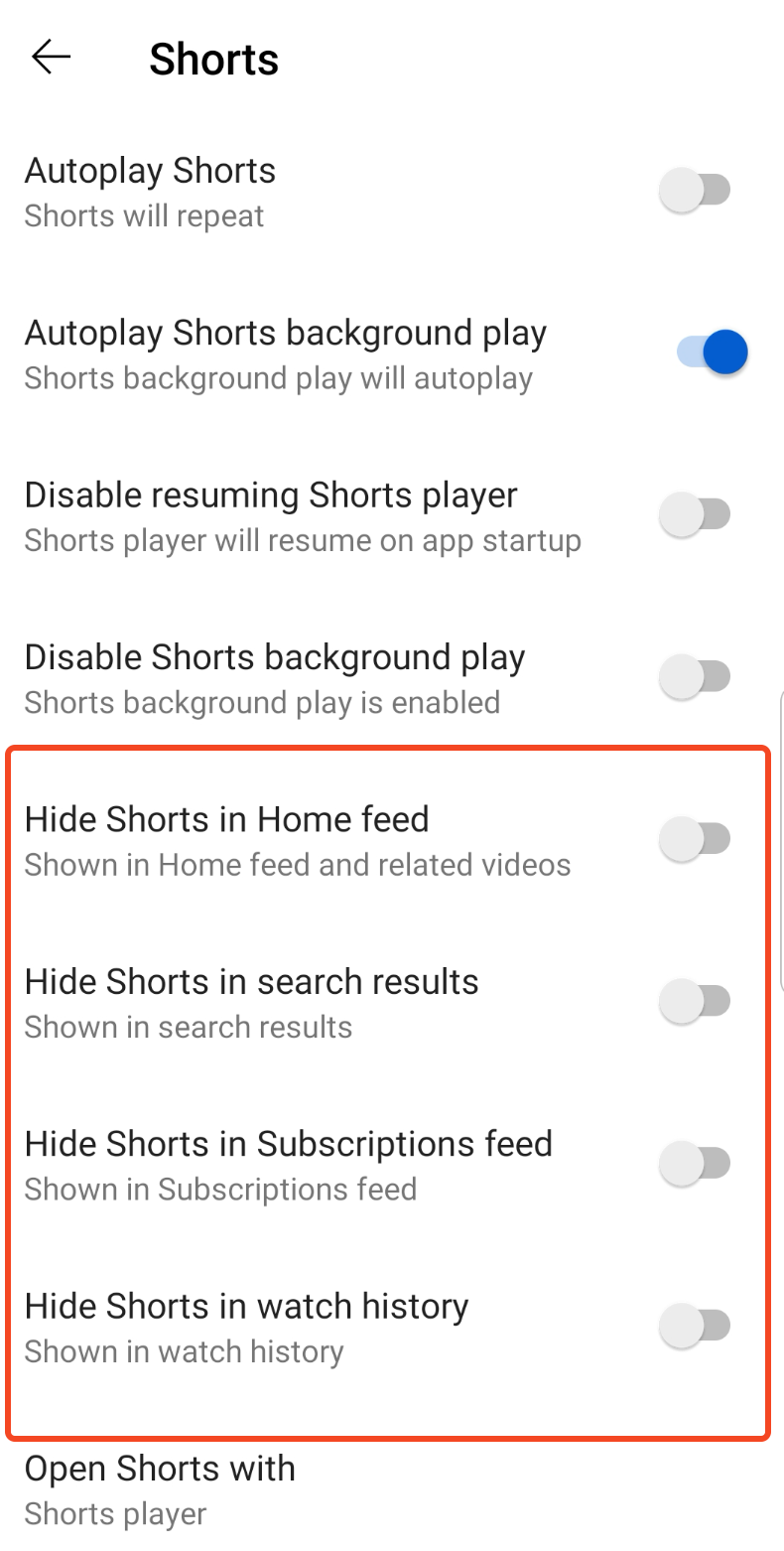 🎉🎉🎉 Congratulations, shorts are gone. Now you can login and use Youtube normally. Revanced has a lot of other features that you can use as well but are beyond the scope of this article.
Getting rid of Instagram Reels with Distraction Free Apps Mod
A team of attention savers have already created a pre moded apk for Instagram which you can download and use at https://www.distractionfreeapps.com/. This one is plug and play and doesn't require any patching. If you don't know how to install an APK refer to How to install Revanced APK
IOS:
Things get a little more tricky when it comes to IOS, they don't want you to sideload apps both because of valid security reasons and Apple Tax. If you're living inside EU this guide is not for you as Apple was forced to allow sideloading on european iPhones, so installing a sideloaded app in EU is as easy as downloading an IPA file and clicking on it similar to android world. If you're from anywhere else in the world like me, you have to jump through a bunch of hoops before you can sideload an IPA file. One of the main hurdles to overcome is IPA signing. Each app is signed using an Apple developer account before it's distributed, and if you use App Store you'd be downloading a pre signed IPA that won't have any installation problems. But since we're installing sideloaded apps, they're no longer signed, IPAs distributed on the internet are usually decrypted and extracted from an app installed from App Store and this process will remove the signing. This in theory is a really good thing because if the signing stayed or if it wasn't checked by IOS a malicious actor could create a version of an app with viruses injected and release it as an official version. All of that said, we need a tool that will sign a decrypted IPA using our own apple developer account. Now is a good time for following warning:
By default you can sign up to 3 apps as long as you have an Apple Account. This is meant to allow you to develop and test apps using Xcode. We can use this to sign 3 downloaded IPAs and install them as our own apps. However, a lot of apps come with many extensions for share sheet widgets and other stuff. Each of this extensions would count as a separate app installation and you could have a single apple like Instagram that would require more than the 3 spots to install with all it's components. You can skip installing the extensions in the tool we're going to talk about but parts of the app will not work.
Alternatively, for $99USD/$140CAD you can get a paid developer account which is meant for professionals app developers distributing apps on app store. $99 a year only to install modded apps is an steep price if you have no other use case for the developer account, so I won't blame you if you don't want to spend that much money. However, the developer account would allow you to install as many apps as you want.
Another difference is that in free account your signing expires every 7 days and you would have to go to our side-loading app and refresh the sign. With a paid account your app stays signed for a whole year.
How to install AltStore
The tool we're going to use to sideload apps on IOS is called AltStore, there are many other alternatives but some requires jailbraking your device. This guide focuses on non jailbroken devices which is the case for most people, so we're going with AltStore. There are two components to altStore, the server which needs to run on a computer (Mac/Windows) and the client app you will install on your phone.
Remember how I said you can easily sideload apps in EU ? AltStore Pal is like an alternative App Store where you can install apps that wouldn't be allowed on App Store for any reason. For this guide we'll be using AltStore Classic which helps us with signing IPAs.
AltStore provides an amazing in depth step by step guide on how to setup the server and the client app. For the sake of brevity I would just link those guides and continue this guide with the expectation that you have an alt server running on your computer and the altStore app is installed on your phone.
AltStore installation guide for Windows: https://faq.altstore.io/altstore-classic/how-to-install-altstore-windows AltStore installation guide for MacOS: https://faq.altstore.io/altstore-classic/how-to-install-altstore-macos